

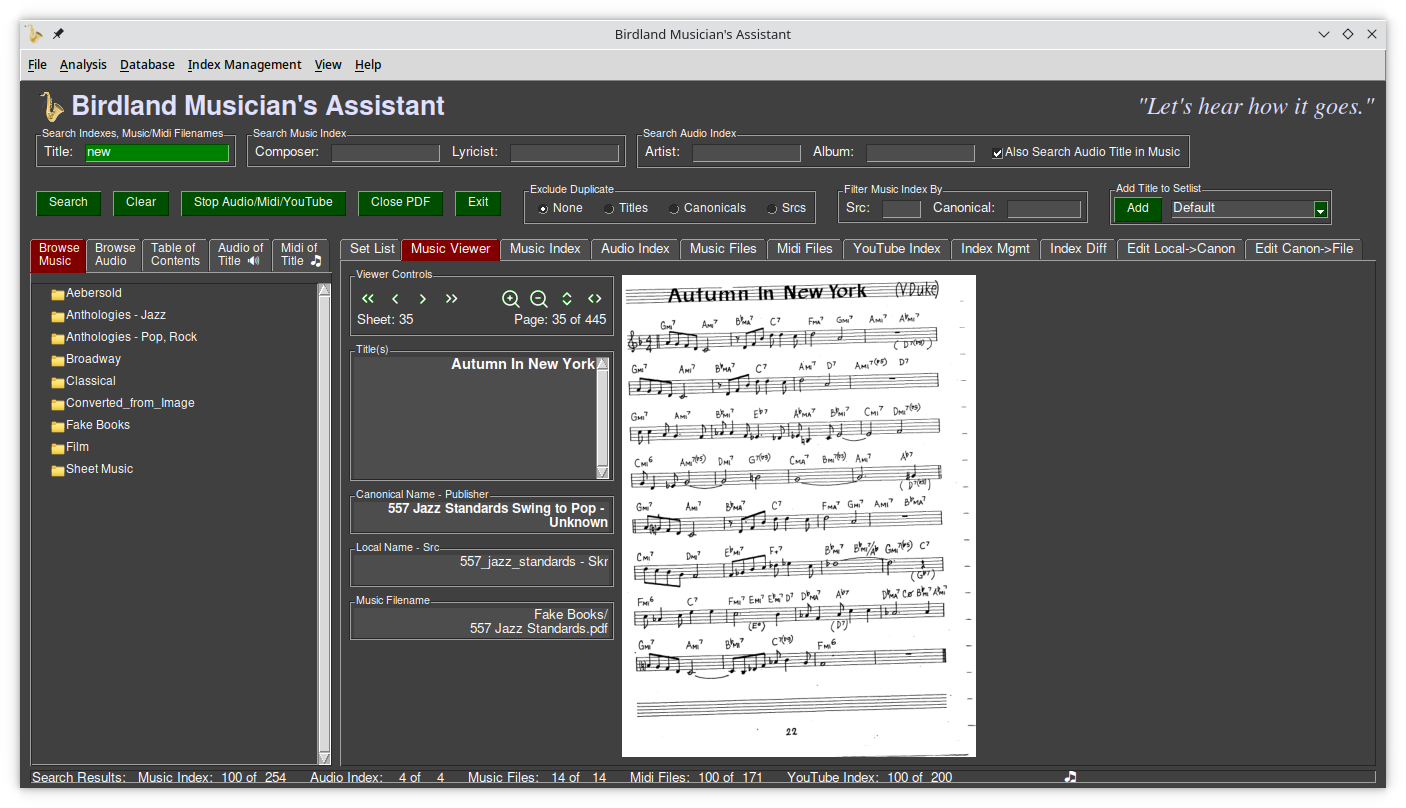
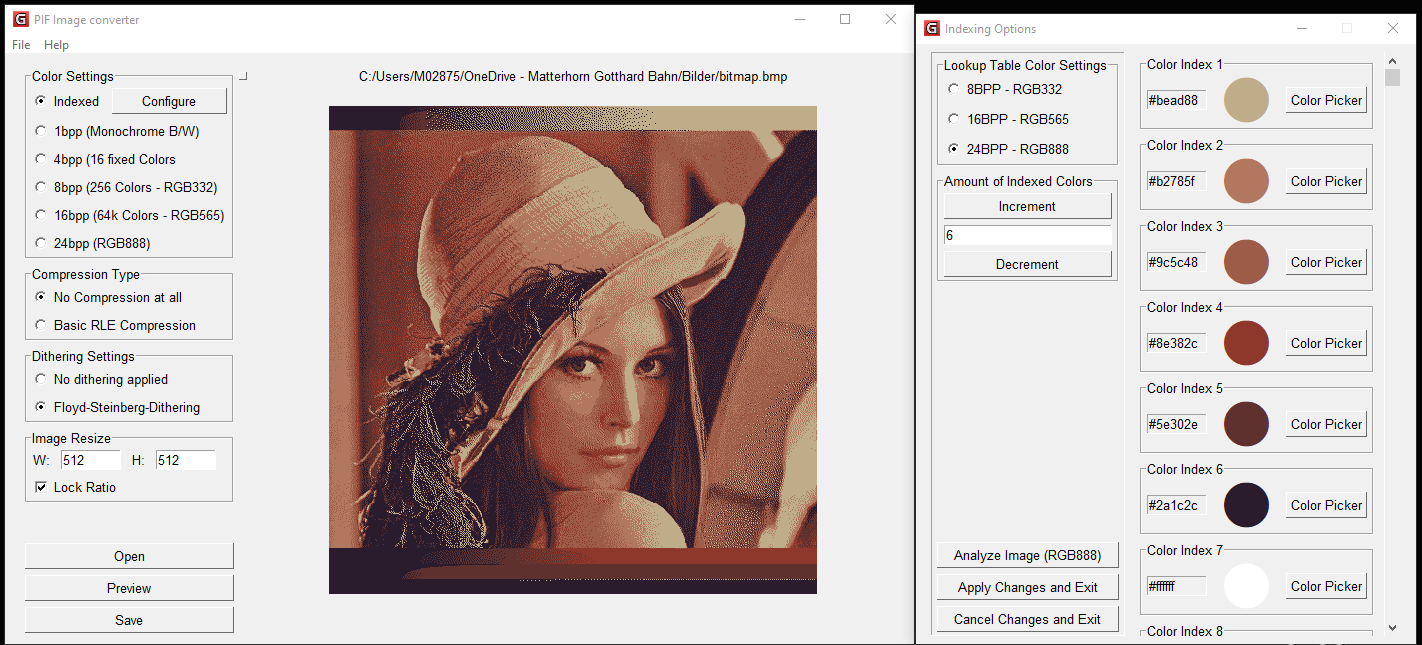

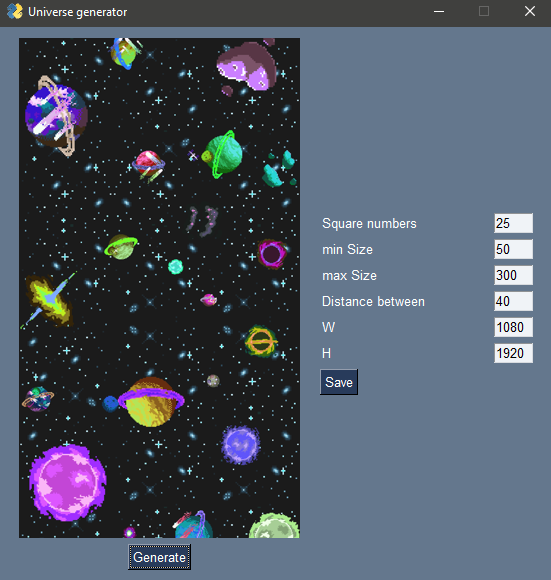
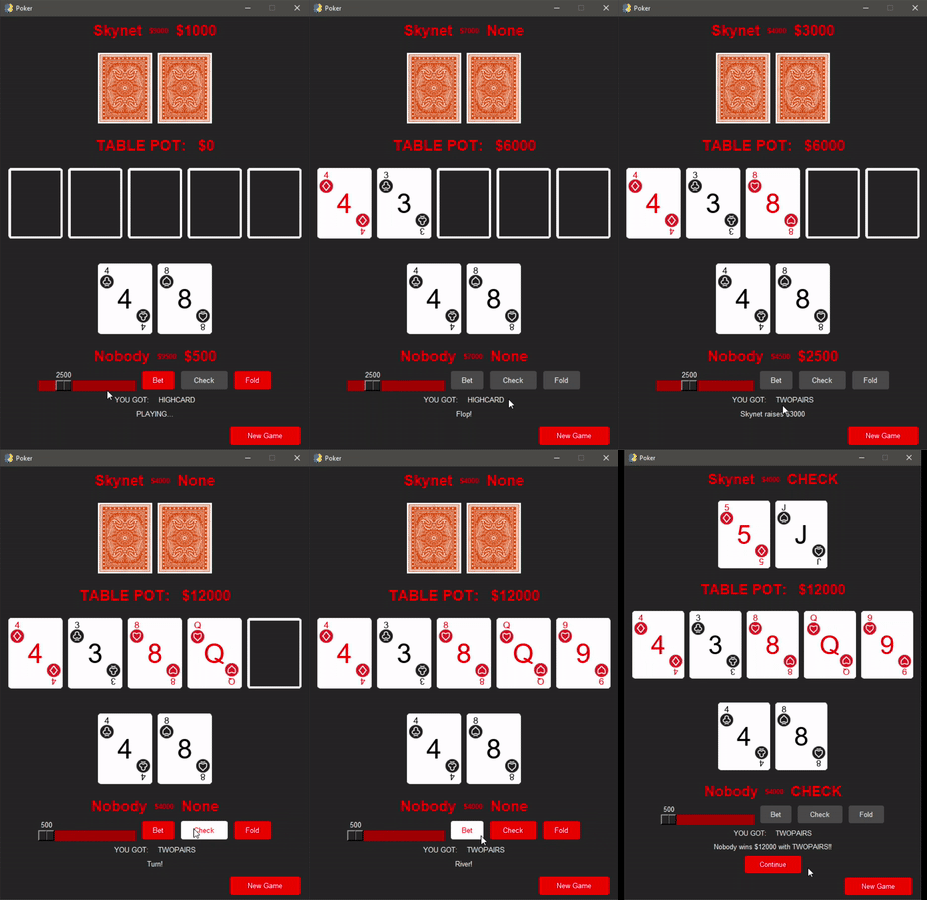

PySimpleGUI creates graphical user interfaces (GUIs) using Python, quickly and easily!
To try PySimpleGUI, start with these simple steps. (Or, if you are ready: Sign Up Now)
Get started with these simple steps:
Severity: Warning
Message: preg_match(): Unknown modifier '2'
Filename: libraries/App.php
Line Number: 509
Backtrace:
File: /var/www/html/application/libraries/App.php
Line: 509
Function: preg_match
File: /var/www/html/application/views/front/home-page.php
Line: 143
Function: getOS
File: /var/www/html/application/controllers/Welcome.php
Line: 61
Function: view
File: /var/www/html/index.php
Line: 315
Function: require_once
Severity: Warning
Message: preg_match(): Unknown modifier 'T'
Filename: libraries/App.php
Line Number: 509
Backtrace:
File: /var/www/html/application/libraries/App.php
Line: 509
Function: preg_match
File: /var/www/html/application/views/front/home-page.php
Line: 143
Function: getOS
File: /var/www/html/application/controllers/Welcome.php
Line: 61
Function: view
File: /var/www/html/index.php
Line: 315
Function: require_once
python -m pip install pysimplegui
import PySimpleGUI as sg

# All the stuff inside your window.
layout = [  [sg.Text("What's your name?")],
            [sg.InputText()],
            [sg.Button('Ok'), sg.Button('Cancel')] ]

# Create the Window
window = sg.Window('Hello Example', layout)

# Event Loop to process "events" and get the "values" of the inputs
while True:
    event, values = window.read()

    # if user closes window or clicks cancel
    if event == sg.WIN_CLOSED or event == 'Cancel':
        break

    print('Hello', values[0], '!')

window.close()
python main.py
You will see this window:
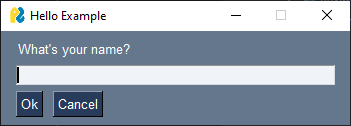
The Try It! page lets you interact with this example and PySimpleGUI.
Next step: Get started! It's this easy to create your GUI with PySimpleGUI. The documentation tells you everything you need to know.
You have 30 days to try PySimpleGUI. Before your trial ends, you will need to register:
If you prefer, you can register now.
We gave it our best shot…. After 7 years of attempting to make the PySimpleGUI project sustainable, we are stopping the PySimpleGUI project.
If you've followed the project over the years, you'll have read about the difficulties that all open-source projects face in generating enough income to pay for the project, seen the requests for sponsorships, and attempts to generate income via a Udemy course. There was not enough income to cover the costs of running a business and, of course, wasn’t able to generate any income for our small team. This isn’t a sustainable situation.
One Year Update PySimpleGUI 5
It's been a little over a year since the release of PySimpleGUI 5. Of the 100,000’s of Version 5 users, 10,000's of which were large corporate users, only 600 people paid the $99 for a commercial license.
End of PySimpleGUI Project
The revenue generated was not enough to cover the basic costs, so we've made the difficult decision to end the PySimpleGUI project.
Support for Commercial Users
Unlike traditional software companies, where stopping business means support ends immediately, we thought it would be classier to go the extra mile by continuing to provide support to Commercial License users this year as a way of saying "thank you" for your help in trying to give the project a viable future. Please provide your Priority Support code or your submission will be automatically blocked. We'll do the best we can to help with the limited resources we've got.
Your license doesn’t expire so you’ll be able to continue to run your applications at the end of the year we’re providing maintenance and beyond. We’ll be distributing an offline version of the documentation so that you’ll have it for the future.
Hobbyists
Hobbyists can continue to use PySimpleGUI 5 until their keys expire. After that you'll need to switch to version 4, which you'll find 1,000s of copies on GitHub with at least 1 being community supported.
If you wish to use PySimpleGUI without the key expiring or want support, then you can buy a Commercial License which is good perpetually.
Websites Availability
The PySimpleGUI registration and documentation websites will continue to operate for a couple of months to give commercial customers an opportunity to create distribution keys. No new Hobbyist keys will be available.

Thank you to everyone
PySimpleGUI has been an experience of a lifetime, and we’ve enjoyed watching & helping people create incredible applications.
Business Partnership Inquires
If you're a business with a serious partnership that you wish to discuss, email mike@PySimpleGUI.com.